ChatGPT and similar assistants already recommend shops and services. What they need to see on your website in order to recommend you.
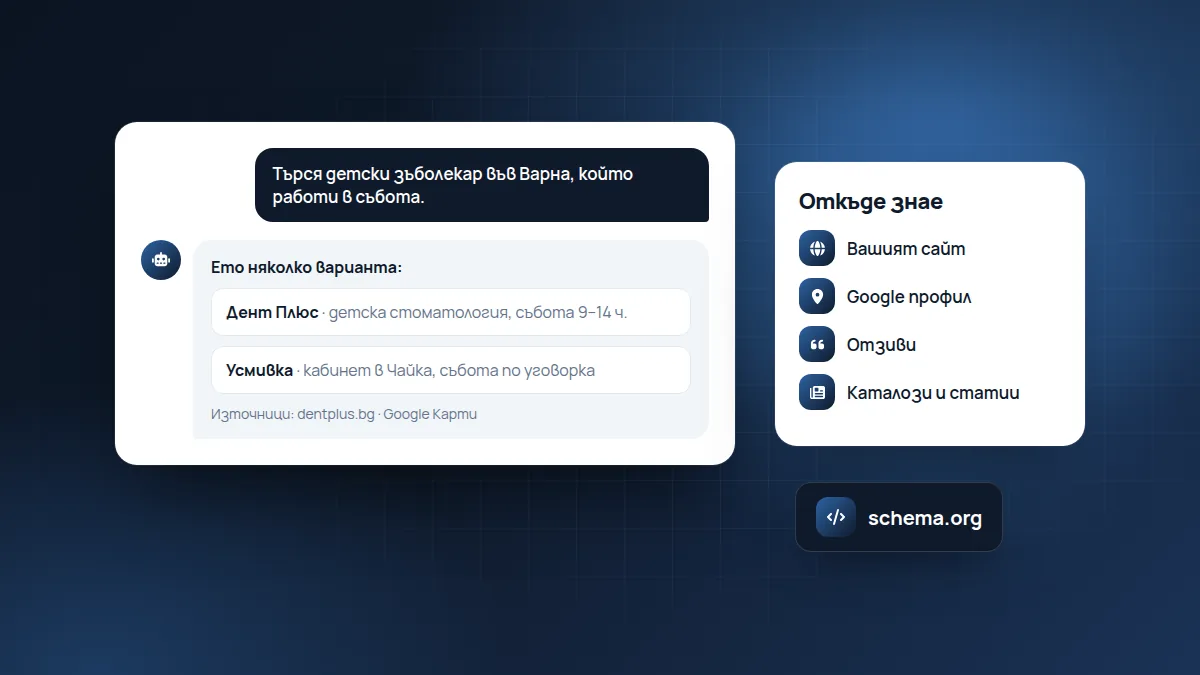
More and more people don’t search “restaurant Plovdiv” in Google, but ask ChatGPT “where should I have dinner tonight in Plovdiv”. The assistant reads websites instead of the person and suggests a short list. If your website isn’t understandable to it, you’re simply not on the list.
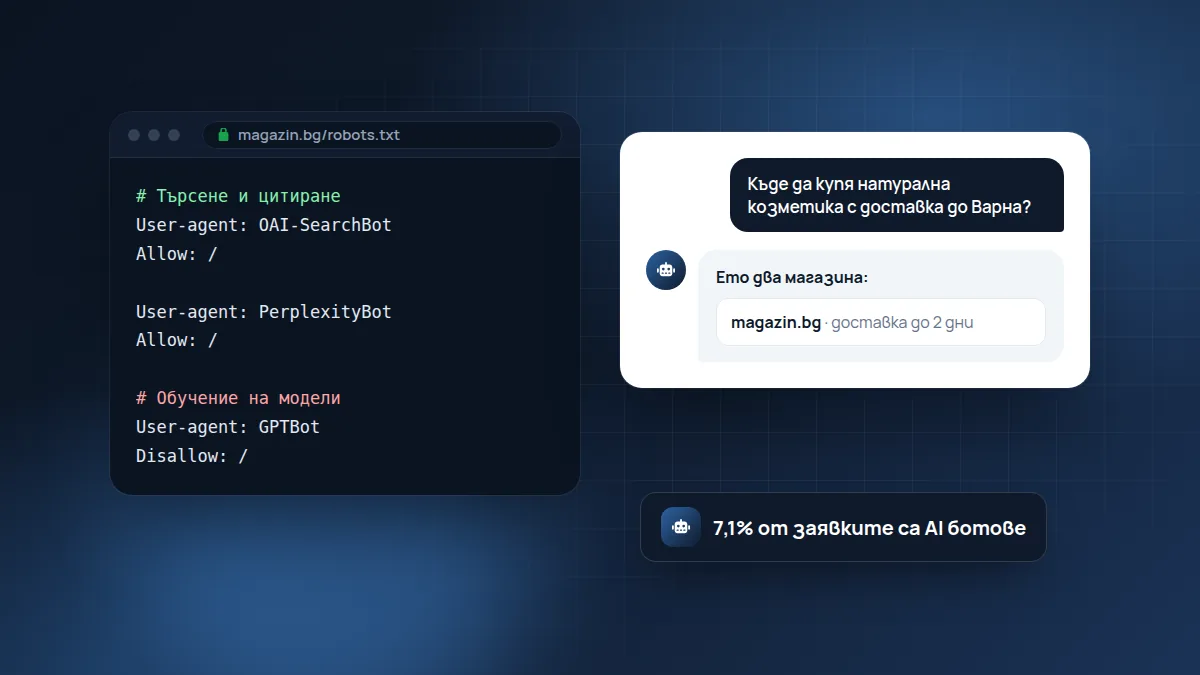
At the eCommerce Annual Summit 2026, Metodi Drenovski (JetHost) showed how fast this is happening: on their servers 7.1% of all requests already come from AI bots, more than from Googlebot. At the same time, people who reach a website through an AI assistant buy more often than average.
The logic is simple: when a person asks an assistant, they have already described in detail what they’re looking for. If the assistant sends them to you, the person arrives with a clear intention, not just to browse.
Here are the five steps he recommended, translated for a small business.
1. Access: don’t block the assistants
There are different AI bots. Some collect text to train models, others search in order to cite your website in an answer, and others open the page because a person has just asked. You can safely block the first kind, but don’t block the search ones (for example OAI-SearchBot, ChatGPT-User, PerplexityBot).
Note: from 15 September 2026, Cloudflare blocks AI bots by default for new websites and free plans. If you use Cloudflare, check the setting.
How to check for yourself
Open yourwebsite.bg/robots.txt in the browser. It is a short text file with rules for bots. Look for lines such as:
User-agent: OAI-SearchBot
Disallow: /
Disallow: / under a bot’s name means it has no access to any page. If you see it under a search bot, the assistant has no way of reading your website. If you see the same under User-agent: *, all bots are blocked, including Google.
Which bots are for what
- For searching and citing (don’t block them): OAI-SearchBot and ChatGPT-User (ChatGPT), PerplexityBot and Perplexity-User (Perplexity), Claude-SearchBot and Claude-User (Claude).
- For training models (your choice): GPTBot, ClaudeBot, Google-Extended, CCBot. If you block them, your content doesn’t enter the training of future models, but assistants can still cite you when searching.
2. Readability: the data, not the banner
The assistant doesn’t see your beautiful banner. It sees the text. So:
- the price, availability and delivery time should be in the page text itself, not only loaded by a script;
- prices in euros, delivery with Econt/Speedy and cash on delivery described clearly;
- your own descriptions in Bulgarian, not copied from the manufacturer;
- business data (schema) for address, opening hours, prices.
Example: a product page
Hard for the assistant: a photo of the product, the price in an image, the description “Great quality! Order now!” and a size table that loads when you press a button.
Easy for the assistant: a heading with the exact product name, the price as text, “In stock, delivery within 2 working days, cash on delivery”, three or four sentences about what it’s suited for, the sizes as text and short questions and answers below.
The second is better for people too. That is the general rule: what helps the assistant usually helps the customer as well.
Example: a service
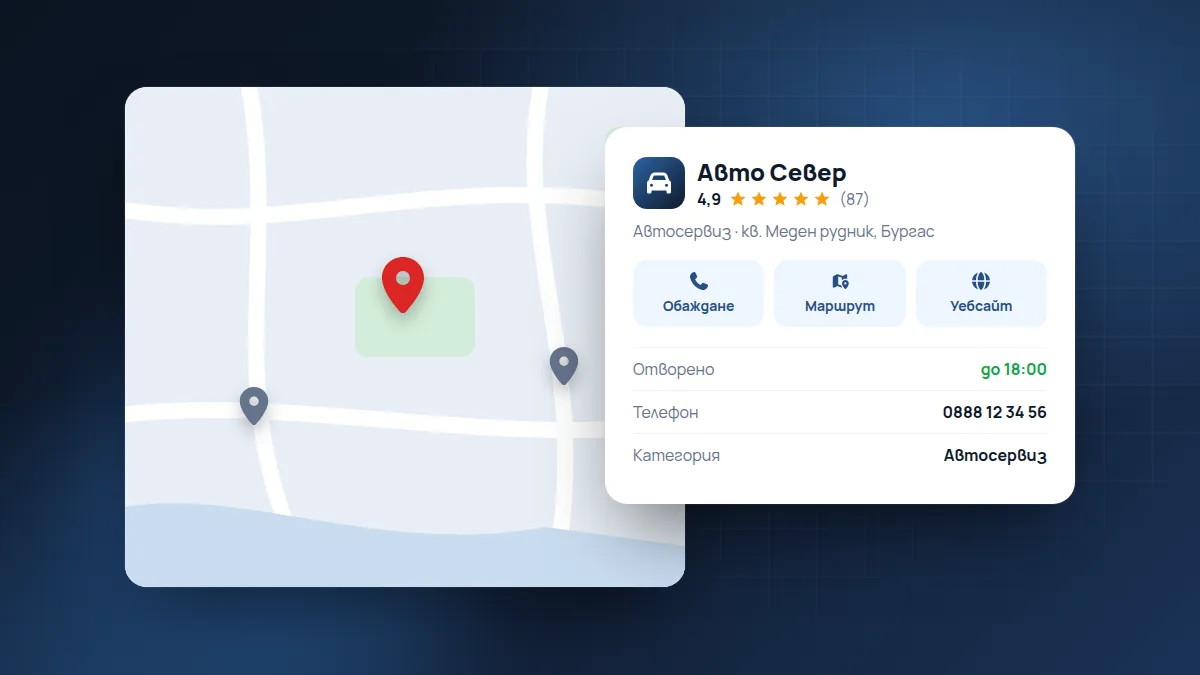
If you’re a hair salon, the assistant should be able to read on your website: which city and district you’re in, what services you offer, approximate prices, opening hours, how to book. If that information is only in Instagram photos, the assistant doesn’t see it.
3. Capacity: the server has to cope
Bots read many pages at once. Slow hosting that barely copes with people will slow down even more. Caching and good hosting are no longer a luxury.
Signs that your hosting can’t cope: the website is slow at certain hours for no visible reason, sometimes returns a 500 or 503 error, the hosting company writes to you about “exceeded resources”. If you see such things, a conversation about better hosting or caching is timely.
4. Protection
A large share of internet traffic comes from malicious bots. A shop “assembled” in a hurry with no thought for security is an open door. Updates, backups and protection against attacks are part of being visible, not something separate.
It’s important to find a balance: protection should stop attacks without stopping useful bots. A firewall that is too aggressive can block both Google and the assistants without you noticing.
5. Measurement
See in Google Analytics how many visits come from chatgpt.com, perplexity.ai and gemini.google.com. Our website already reports enquiries from these sources as a separate “AI assistants” channel, so we know what works.
You can also ask the assistants directly. Ask a question the way your customer would, for example “Which online shop sells natural cosmetics with delivery to Varna?”, and see whether they mention you and where they get the information from.
A short checklist
- robots.txt doesn’t block the search bots of ChatGPT, Perplexity and Claude.
- If you use Cloudflare, the AI bots setting has been checked.
- Price, availability and delivery are in the page text.
- Descriptions are your own, in Bulgarian.
- The website has structured data (schema) for the business and products.
- The hosting copes with load without errors.
- In Analytics you can see visits from AI assistants.
Check in a minute
The free website check now also includes a test for whether robots.txt blocks AI assistants. If you want to be recommended, see how we work on visibility in Google and AI.
Based on the talk “Is your shop ready for AI customers?” by Metodi Drenovski (JetHost) at the eCommerce Annual Summit 2026.
Found this article useful? Share it.