Reviews are one of the first things people look at before they call you. How to collect them regularly and how to respond to a bad review.
Before calling an unfamiliar business, most people glance at the stars and reviews on Google. The good news: satisfied customers usually don’t mind writing a review. Nobody has simply asked them.
Why reviews matter so much
- For people: reviews are the opinion of someone like them, not your advertising. Especially for services you can’t “try” in advance, such as a dentist, a renovation or a lawyer.
- For Google: the number of reviews, the rating and how recently the last one was written affect how high you appear on the map.
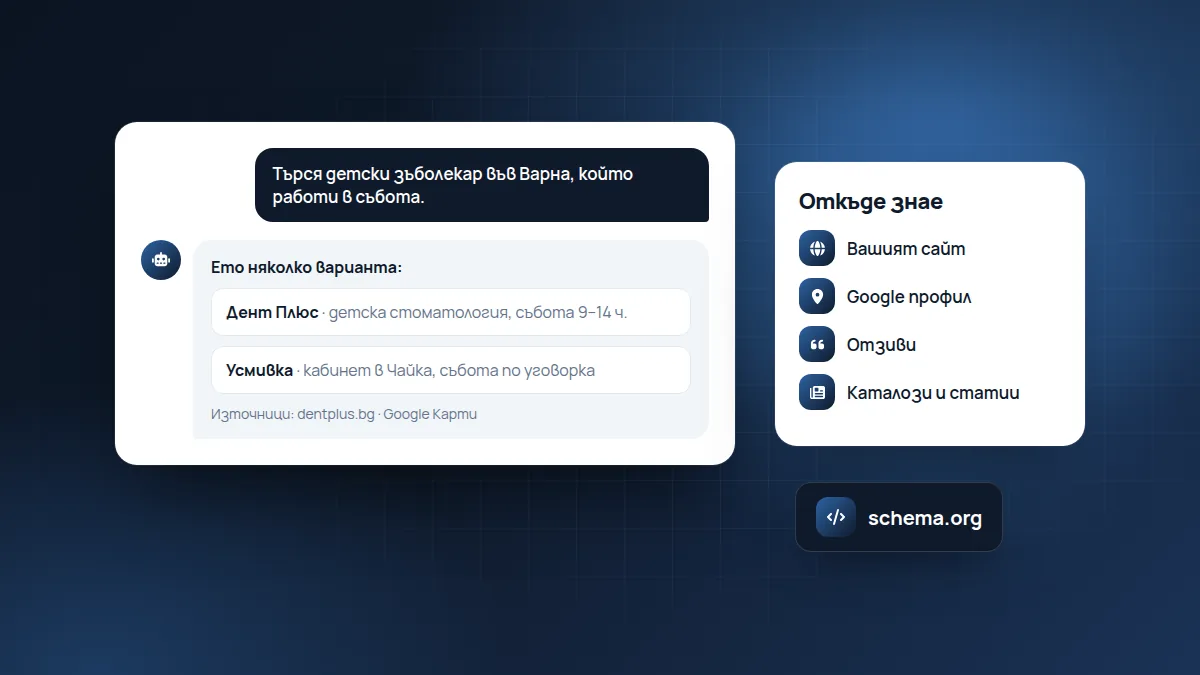
- For AI assistants: when they recommend a business, they often summarise what people write about it. Reviews with detail give them something to summarise.
How to get reviews
- Ask at the right moment: right after the service, when the customer is happy and still with you.
- Make it easy. In your Google Business Profile, press “Ask for reviews” and copy the link. Send it by text message or email. One tap and the person is in the form.
- Put it in the email after the service: “Thank you! If you’re happy, we’d appreciate two sentences on Google: [link].”
- A QR code at the till or on your business card that leads to the form.
What to say to get a useful review
A “Great!” review with five stars helps, but a review with detail helps much more. You can guide the customer without dictating:
“If you have a minute, we’d love for you to write on Google how the repair went and how long it took. It helps other people decide.”
That way the person remembers to mention specific things: the service, the timeframe, the attitude.
An example text message
Hello, Ivan! Thank you for choosing Auto Sever. If you’re happy with the repair, we’d appreciate a short review on Google: [link]. Best regards, Petar
Short, personal, with a name and a direct link.
What you shouldn’t do
- Buy reviews or write them yourself. Google detects them and may delete them, and people can sense it.
- Offer a discount in exchange for a positive review. That is against Google’s rules.
- Ask only the satisfied customers and “forget” the dissatisfied ones. Google calls this review gating and it is also against the rules. Ask everyone, and respond well to the bad reviews.
- Ask relatives and friends to write. It seems harmless, but it shows, especially when all the reviews arrive in one week.
How to reply to a good review
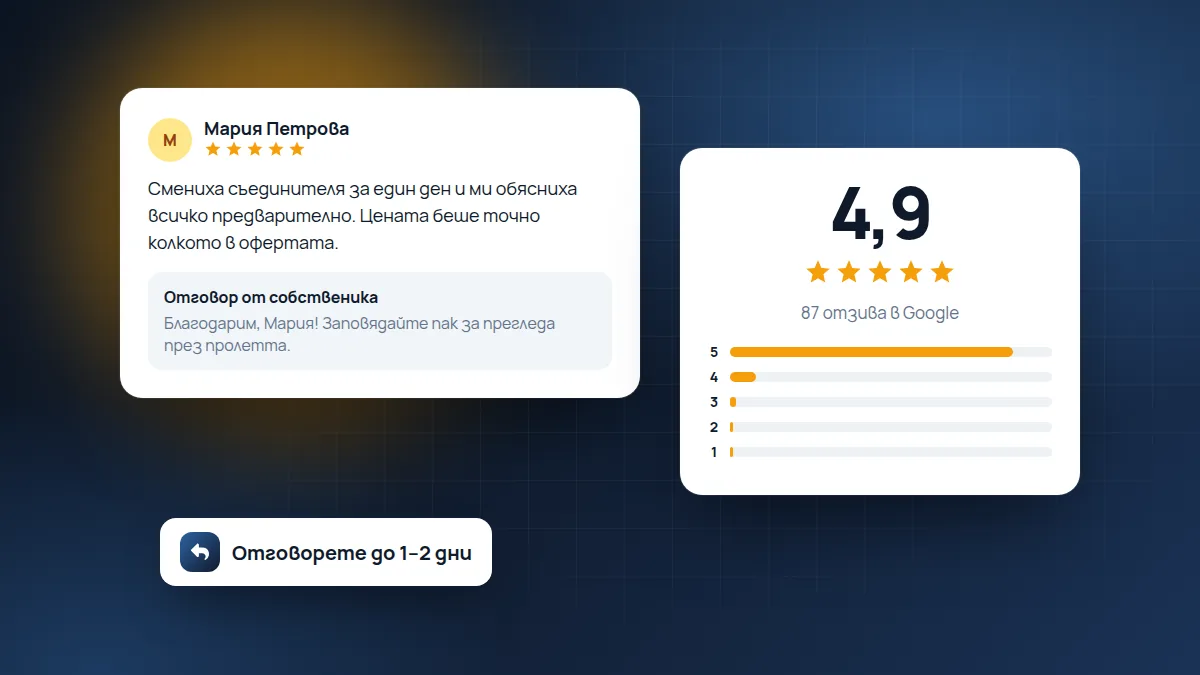
Short and personal: “Thank you, Maria! We’re glad the car was ready on time. Come again for the check-up in spring.” The reply shows future readers that there are people behind the business.
Don’t copy the same reply under every review. “Thank you for the review!” twenty times in a row looks automatic. Mention something specific from the review.
How to reply to a bad review
- Wait until you’ve calmed down. Don’t reply while angry.
- Thank them and acknowledge the problem without arguing: “We’re sorry you had to wait.”
- Explain what you’ve done or offer a solution.
- Move the conversation off Google: “Please call us on … so we can put it right.”
People who read reviews look not only at the rating but also at how you react. A calm reply to a bad review often earns more trust than ten glowing ones.
An example reply to a bad review
Review (2 stars): I waited 40 minutes even though I had an appointment. Nobody told me anything.
Reply: Hello, Elena, we’re sorry about the wait and that nobody warned you. We had an emergency the other day, but we should have told you right away. We now warn patients by text message when there is a delay. If you like, call us on 0888 …, and we’ll book you a convenient time with no waiting. Dr Petrova
An acknowledgement, an explanation without excuses, a concrete change and an offer. No arguing.
What to do with a fake or abusive review
If the review comes from someone who has never been your customer, contains insults, personal data or is from a competitor, you can report it to Google from your profile (“Report review”). Google doesn’t remove reviews just because they are negative, but it does remove those that break the rules.
While you wait, write a short and calm reply: “We couldn’t find a visit under this name in our schedule. If you were with us, please call us so we can clear it up.” That way people who read it understand the situation.
How many reviews you need
There is no magic number. It matters more that they come in regularly. A profile with 30 reviews, the last one from yesterday, looks more alive than a profile with 100 reviews, the last one from two years ago. The goal is new reviews every month.
Frequently asked questions
Can I delete a bad review?
No, only Google can remove it, and only if it breaks the rules. That’s why the best response is a calm and helpful reply.
Do I have to reply to every review?
Yes, if you can. If there are many reviews, the priority is the bad ones and those with text. The reply is for future readers, not only for the person who wrote.
How quickly should I reply?
Within a day or two is good. For a bad review it’s important to reply after you’ve checked what happened, but not weeks later.
If you don’t have time to follow and reply to reviews, that is part of our Google Business Profile and reviews service: we write you a draft reply, you approve it and we publish it.
Found this article useful? Share it.