Six things without which a website does not bring in enquiries. Check in five minutes which ones you are missing.
Most people open your website with one question in mind: “Are these the people I need, and how do I get in touch with them?” If the answer isn’t visible within a few seconds, they close the page and open the next Google result.
Here is what a small business website needs before you think about anything else. We’ve put the points in order of importance: if you only have time for the first three, start with those.
1. One clear sentence about what you do and where
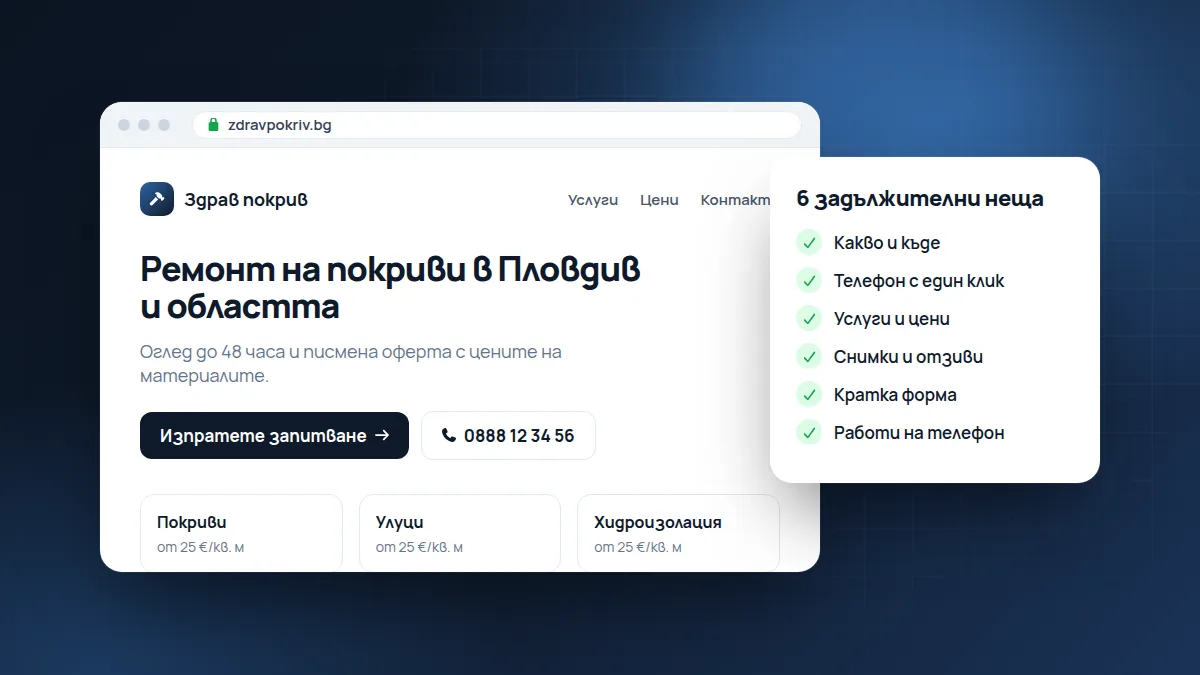
Not “Innovative solutions for your home”, but “Roof repairs in Plovdiv and the surrounding area.” The visitor should be able to tell from the first line whether they’re in the right place.
A good first sentence answers three questions: what you do, who it’s for and where. Underneath it you can add one sentence that sets you apart: “Site visit within 48 hours and a written quote with material prices.”
A few examples:
- “Dental practice in Lozenets, Sofia. Check-ups, fillings and children’s dentistry.”
- “Auto repair shop in Burgas: engine repairs, suspension and tyre changes.”
- “Accounting firm in Varna for VAT-registered companies and the self-employed.”
2. A phone number that can be tapped
On a phone, people don’t copy numbers by hand. Put it at the top of the page as a call link. The same goes for your email.
Also check that the number matches the one on your Google profile. If you have two numbers, explain what each is for: “Bookings: 0888…, suppliers: 0899…”. If you take messages on Viber or WhatsApp, say so. Many people prefer to write rather than call.
3. Your services, with a few words about each
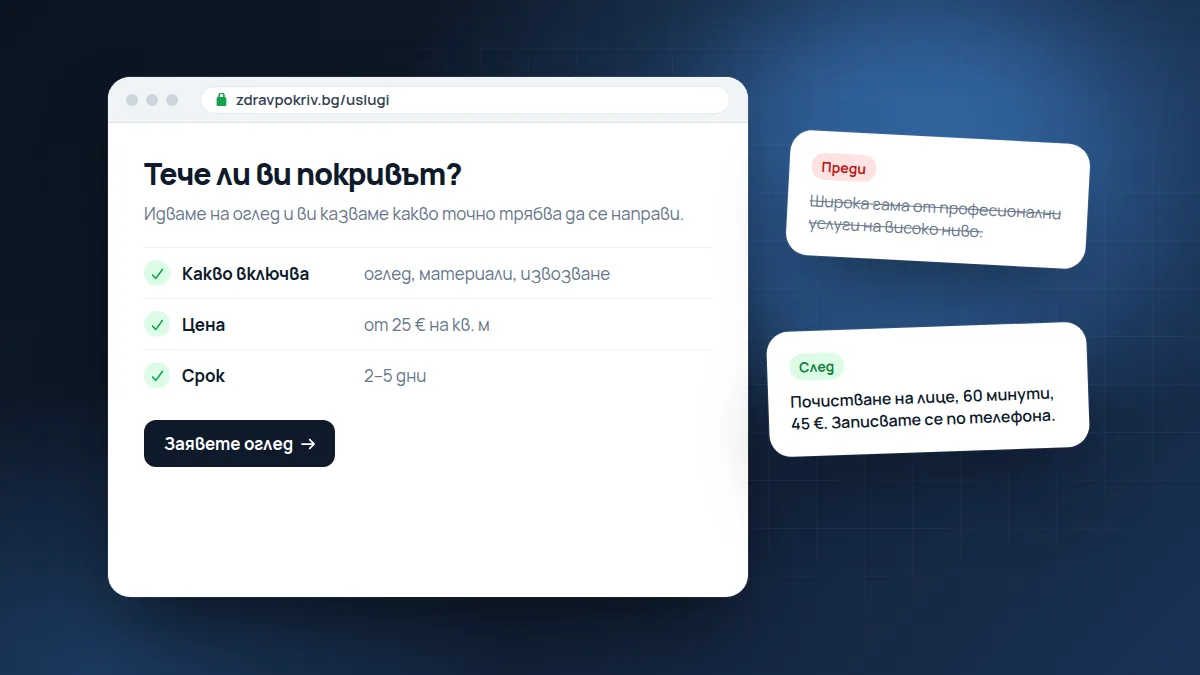
A list of 3 to 6 services, each with a sentence about what it includes. If you have indicative prices, show them. Price is the first thing people look for, and if it’s missing, many simply don’t ask.
You don’t need to publish a full price list. “From €40”, “Check-up: €30, deducted from treatment” or “The price depends on the area, usually between … and … €” are enough to make people feel comfortable asking. If one service is your main one, give it a separate page with more detail. That also makes it easier for Google to understand exactly what you offer.
4. Proof that you’re real
Photos of your work, your team, your premises. An address and opening hours. Google reviews, if you have them. People buy from people, and stock photos don’t help.
What works best:
- “Before and after” photos for renovations, beauty treatments, cleaning and landscaping.
- A photo of the team or the owner with a sentence or two about who you are.
- Real reviews with a name, ideally with a link to the Google profile.
- Company details in the footer: company name, registration number (EIK), address. This reassures people, especially if they’ll be paying in advance.
5. An enquiry form with few fields
Name, phone number and one “How can we help?” field are enough. Every extra required field puts some people off.
After they submit, show a clear message: “We’ve received your enquiry and will call you within one working day.” And stick to it. A fast reply often matters more than the price, because the person has usually written to several places.
6. It works on a phone
A large share of visits to a local business website come from a phone. Open your site on your own phone and try to call us from it. If you have to pinch to zoom, something is wrong.
Pay attention to speed too. On mobile data, heavy images load slowly and people give up before they’ve seen anything.
What you do NOT need at the start
Many small business websites are cluttered with things nobody uses:
- A slider with five photos that change on their own. Most people only see the first one.
- A “News” section where the latest item is three years old. If you won’t keep it up, it’s better not to have it.
- Music or video that starts on its own.
- A “Mission and vision” page full of generic words. One sentence about who you are, on the home page, does more.
Frequently asked questions
Do I need a website if I have a Facebook page?
Facebook is useful, but it isn’t yours: the rules and visibility change without warning, and people searching on Google rarely end up there. A website is the place you control and the one Google and AI assistants read most easily. The two work best together.
How many pages do I need?
For most local businesses, 4–6 are enough: home, services (or a separate page for each main service), about us, contact and the legal pages. It matters more that each page clearly answers the customer’s questions than that there are many pages.
How often should the website be updated?
Whenever something important changes: prices, opening hours, services, phone number. Once a month it’s worth going through the site as a customer.
Check your website
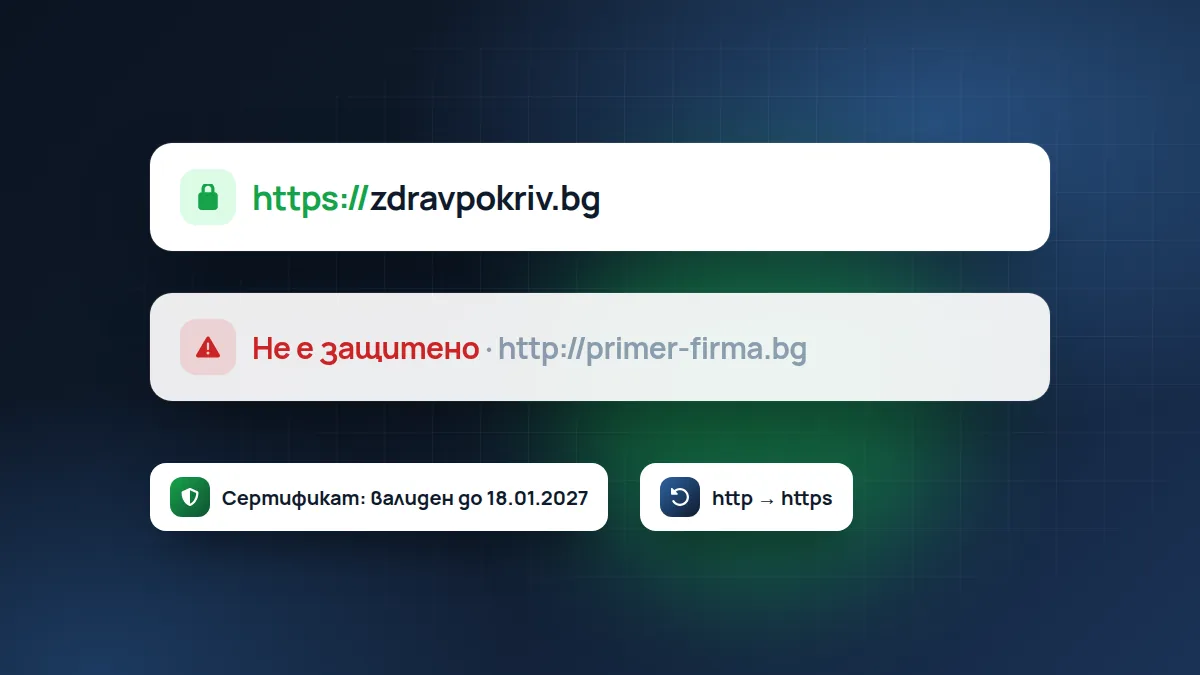
Open your site as a customer seeing it for the first time and go through the six points. If you also want to look at the technical side, such as speed, Google titles and the secure connection, run the free website check. The report arrives by email.
If you conclude it’s time for a new website, see how we work on website design or browse the demo sites we’ve built for different businesses.
Found this article useful? Share it.